Best WordPress Themes for eCommerce: 5 Strong Options Compared
If you sell online, your theme is not just decoration. It shapes how your products look, how your cart and checkout behave, and how easy your store feels on a phone. Pick the wrong one and you fight it every week. Pick a good one and daily work gets simpler.
This matters a lot for sellers in Bangladesh. Many online businesses here start with a Facebook page, then move to their own WooCommerce store to look more trustworthy and handle orders better. The theme you choose at that step carries your store for years.
This guide compares five well-known WooCommerce themes: Astra, Blocksy, GeneratePress, Kadence, and Shoptimizer. It is based on their documented features, their WooCommerce support, and our hands-on experience building stores. We have kept it honest and practical, so you can choose with clear eyes.
Quick Answer: The Best WordPress eCommerce Theme
For most WooCommerce stores, our usual starting point is Astra. We build client stores with it, and this very website, raozanit.com, runs on Astra with Elementor. It is the theme we know most deeply, and its WooCommerce controls cover what most stores need.
That said, there is no single theme that fits every store. The right choice depends on your budget, your skills, and how you like to build pages. The other four each win in a different situation:
- Blocksy: if you want the most shop features in a free version.
- GeneratePress: if keeping your site lean and light matters most.
- Kadence: if you are a beginner and want an easy, friendly Customizer.
- Shoptimizer: if the checkout experience is your top priority and you are happy to pay for a premium-only theme.
Read the short sections below before you decide. A theme is easy to install and hard to replace later, so a little care now saves real work later.
Why Your eCommerce Theme Matters
A theme controls far more than colours and fonts. It decides how your product pages are laid out, what your cart drawer does, how many steps checkout takes, and whether your store feels smooth or clumsy on a small phone screen.
Most online shoppers in Bangladesh browse and buy on mobile phones, often on mobile data rather than fast Wi-Fi. A heavy theme with too many built-in extras can feel slow and tiring on that kind of connection. A clean, light theme makes the same store feel quick and professional. Remember, though, that your theme is only one part of speed. Hosting quality, image sizes, and the number of plugins you install matter just as much.
Your theme also affects trust. A tidy product page with clear photos, honest delivery information, and an easy checkout tells visitors your business is real and organised. A messy store does the opposite, even if your products are good.
Finally, your theme shapes your own daily work. You will add products, change banners, and set up offers inside it every week. Good shop controls inside the theme mean fewer extra plugins, and fewer plugins mean fewer things to update and fewer things that can break.
What to Look for in an eCommerce WordPress Theme
Before looking at any single theme, know what to check. These are the points we look at when we choose a theme for a client’s store.
- Real WooCommerce support. Some themes are only “compatible” with WooCommerce, which means shop pages work but look basic. Look for a theme that designs the shop, product, cart, and checkout pages properly, with controls for things like product image galleries, sale badges, and quick view.
- Mobile-first design. Check every demo on your own phone, not just on a desktop. Buttons should be easy to tap, text easy to read, and checkout easy to finish with one hand.
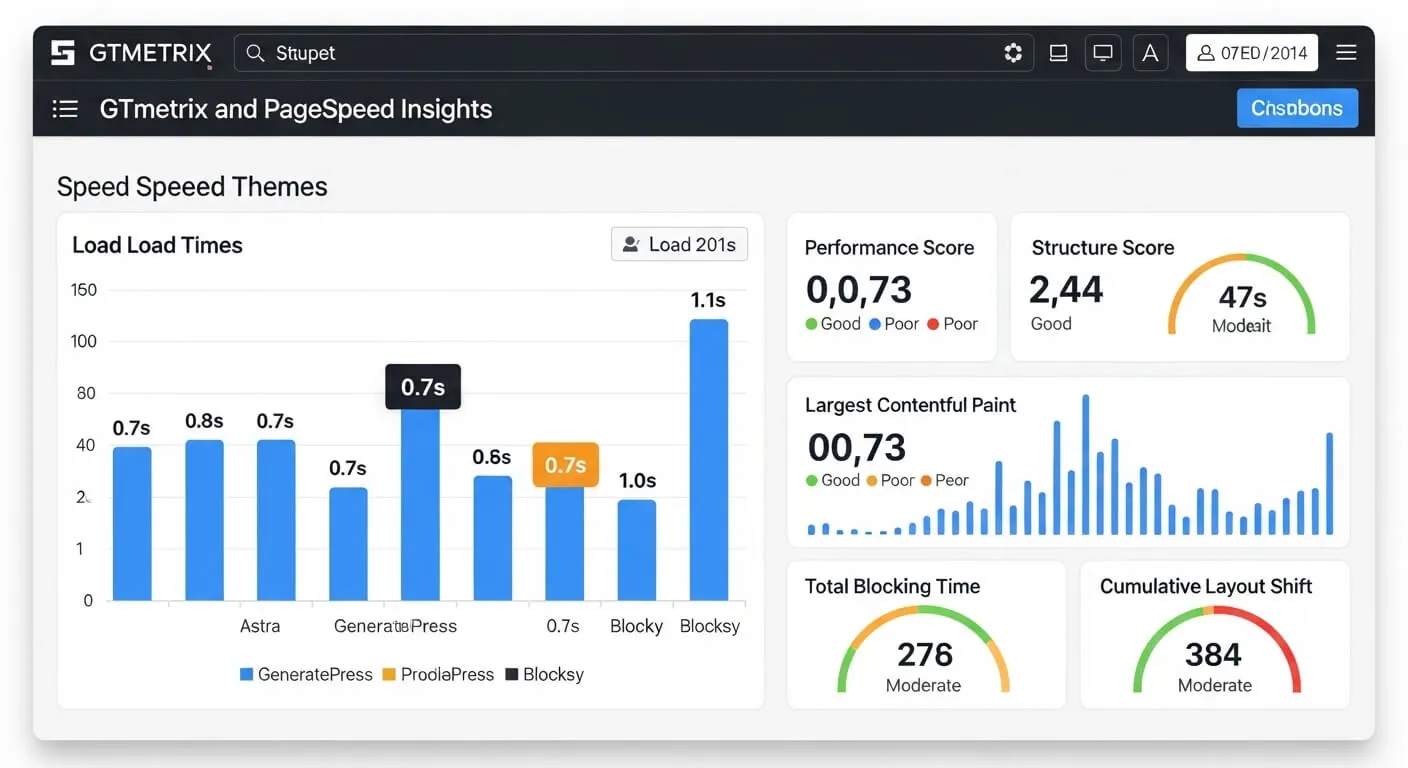
- A light, speed-friendly build. A theme that loads only what it needs, instead of piling on sliders and effects, gives your store a head start. You can check a demo yourself with free tools like PageSpeed Insights. Still, keep perspective: hosting, image sizes, and plugins affect real speed as much as the theme does.
- Customization without code. You should be able to change colours, fonts, header layout, and product page layout from the Customizer or theme settings, without hiring a developer for every small change.
- Works with your page builder. If you design pages with Elementor or the block editor, confirm the theme supports it well and does not fight it.
- SEO-friendly structure. Clean heading order, sensible page structure, and good support for breadcrumbs help search engines understand your store. If you want help beyond the theme itself, our SEO services cover the technical side for online stores.
- Regular updates and real support. WooCommerce changes often, so your theme must keep up. Check that the theme is updated regularly and that questions in its support forum actually get answered.
- Room to grow. Think ahead. You may later want Bangla language support, more payment options, or extra shop features. A theme with an active developer and a healthy add-on ecosystem grows with you.
How We Compared These Themes
We want to be straight with you about how this comparison was made. We did not run laboratory measurements, and we do not publish speed figures or ratings for these themes. There is a simple reason: a number measured on someone else’s demo store, with their hosting and their content, tells you very little about your store, with your hosting, your images, and your plugins.
Instead, we compared the things that can be checked honestly: each theme’s published features and documentation, how deeply it integrates with WooCommerce, how regularly it is updated, how its support works, and our own hands-on experience building and maintaining WordPress stores. Astra is the theme we know best because we build with it daily. The others we know from client work, evaluation builds, and their public track records.
You should judge speed for yourself, on your own setup. Open the theme’s demo and check it with PageSpeed Insights. Better still, install the theme on a staging copy of your store, add your real products and plugins, and use it the way a customer would, on a phone. That tells you more than any review’s numbers, including ours, ever could.
Astra: A Strong All-Round Choice for WooCommerce
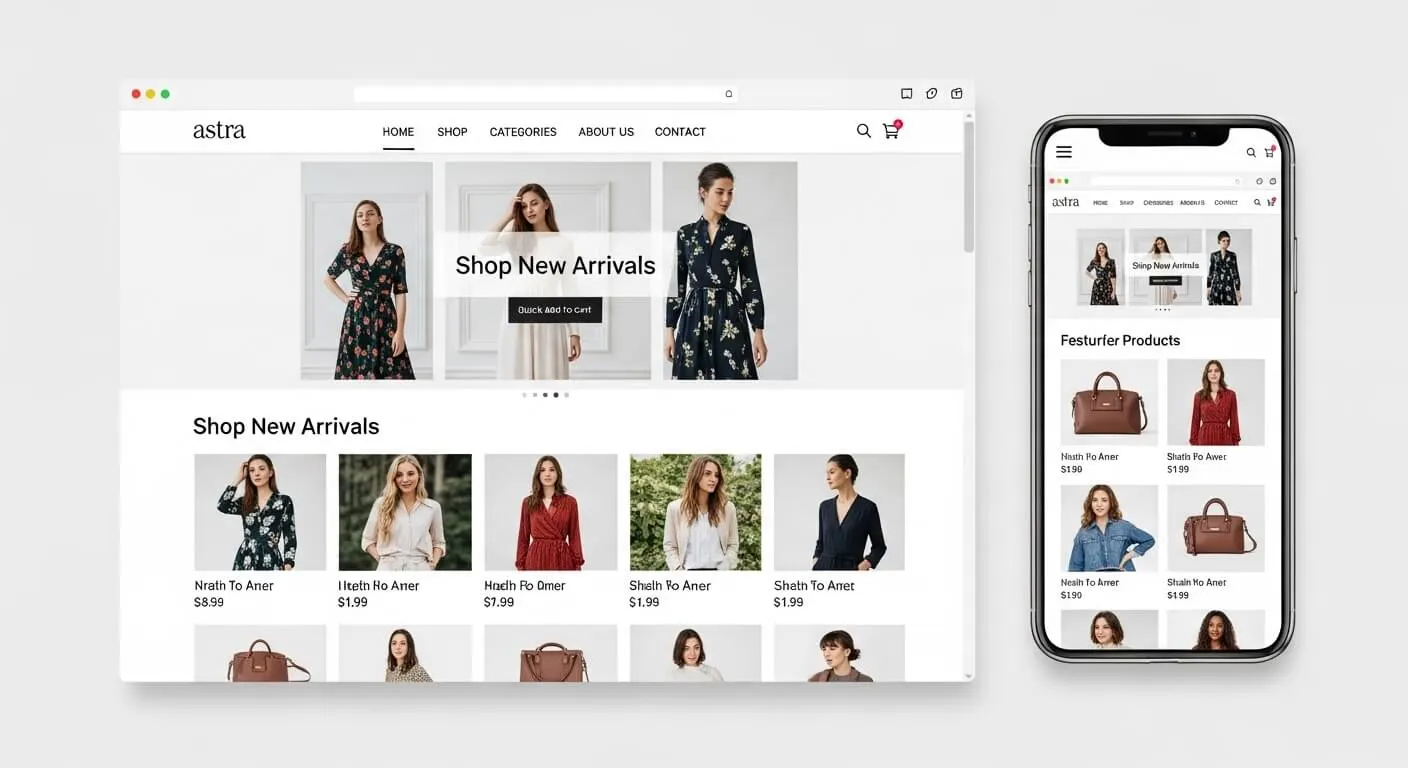
Astra is made by Brainstorm Force and is one of the most widely used WordPress themes in the world. It is a general-purpose theme, but its WooCommerce support is deeper than most. A dedicated WooCommerce module lets you control shop layout, product page design, cart behaviour, and checkout styling from the Customizer, without code.
Astra also comes with a large library of starter templates, including ready-made online store designs you can import and adjust. For shop owners who design with a page builder, it works smoothly with Elementor, which is exactly the combination this website uses. In our building experience, that pairing is reliable and familiar to many developers in Bangladesh, which makes future help easy to find.
The honest limitations: some of the nicer WooCommerce controls and starter templates sit in the premium version, and the sheer number of settings can feel overwhelming the first time you open the Customizer. Neither is a serious problem, but both are worth knowing.
Price model: there is a capable free version on WordPress.org. The premium version is paid and adds more WooCommerce controls, more templates, and priority support. Check Astra’s own website for current pricing.
Best for: most WooCommerce stores, especially stores built with Elementor or stores that may grow and change design over time.
Blocksy: The Strongest Free Option
Blocksy is made by CreativeThemes, a smaller team than Astra’s, and it has built a loyal following by being generous. Its free version includes modern shop touches that many themes keep for paying users, such as product quick view and a floating cart, along with flexible header and footer builders.
The design style is modern and clean, and Blocksy was built with the block editor in mind while also working well with Elementor and other builders. For a seller moving from a Facebook page to a first real store, Blocksy makes it possible to have a polished-looking shop without paying for a theme at all.
The honest limitations: the most advanced shop features, such as deeper product filtering and some extra shop extensions, are in the premium version. The team is also smaller, so while support is well regarded, the community around it is not as large as Astra’s.
Price model: the free version is unusually complete. The premium version is paid and adds advanced shop features and more design controls. Check Blocksy’s own website for current pricing.
Best for: new stores and budget-conscious sellers who want a modern shop with strong features at no theme cost.
GeneratePress: Lightweight and Built for Speed
GeneratePress is made by Tom Usborne and his small team, and it takes the opposite approach to feature-packed themes. The base theme is deliberately lean: clean code, very little extra weight, and nothing loaded that your site does not use.
The premium version follows a modular design. You switch on only the elements you need, such as extra typography controls or the WooCommerce module, which adds proper design control over your shop, product, and checkout pages. Because so little is loaded by default, GeneratePress gives a store a light foundation. If your current store already feels heavy, our WordPress speed optimization service can help you find what is really slowing it down.
The honest limitations: out of the box, GeneratePress looks plain, and the free version’s WooCommerce control is basic. To design attractive shop pages, most owners pair it with the block editor or a page builder and spend some time on layout. It rewards patience more than it rewards beginners.
And a fair warning about speed: a lightweight theme is a good start, not a promise. Slow hosting, huge unoptimized product photos, and a long plugin list will make any store feel slow, whatever theme it runs.
Price model: there is a solid free version. The premium version is paid and works as a plugin that adds the modules, including the WooCommerce one. Check GeneratePress’s own website for current pricing.
Best for: larger catalogues and speed-conscious store owners who are comfortable building pages with blocks or a builder.
Kadence: Friendly for Beginners
Kadence is made by the Kadence team, now part of Liquid Web’s family of WordPress brands. It has grown quickly because it is genuinely pleasant for non-technical owners to use. The Customizer is well organised, and the free theme includes a drag-and-drop header and footer builder that many themes charge for.
For WooCommerce, Kadence offers dedicated design options for shop and product pages, and its starter templates include complete store designs that a beginner can import and then edit with confidence. If words like “hooks” and “filters” make you nervous, Kadence is probably the calmest place to start among these five.
The honest limitations: some advanced shop extras live in the paid Kadence Pro add-on or a separate shop add-on, so check whether the exact feature you want is included before you commit. Its ecosystem is also younger than Astra’s, so there are fewer third-party add-ons built around it.
Price model: the free version is strong and genuinely usable for a real store. Paid add-ons and bundles exist for extra features and support. Check Kadence’s own website for current pricing.
Best for: beginners and do-it-yourself store owners who want an easy Customizer and good starter templates.
Shoptimizer: Built Around the Checkout
Shoptimizer is made by CommerceGurus, and it is different from the other four: it is a premium-only theme built specifically for WooCommerce, not a general theme with shop support added on.
Everything in it is aimed at the buying journey. Checkout is designed to reduce distraction, keeping the header and footer out of the way while a customer pays. Product pages include trust signals near the buy button and other small details that help a visitor feel safe ordering from a store they have just found. For an established store whose owner thinks about the checkout all day, that focus is appealing.
The honest limitations: there is no free version, so you pay from day one, and you should be sure before you buy. Because Shoptimizer is so shop-focused, it is also a narrower choice. It has fewer general-purpose designs for blogs or service businesses, and it works best when you accept its way of building a store rather than fighting it.
Price model: premium only, with no free version. Check CommerceGurus’ own website for current pricing before you decide.
Best for: established WooCommerce stores where the checkout and product page experience is the main priority.
Head-to-Head Comparison
Here is the short version of everything above, side by side.
| Theme | Free version | Works well with | Best for |
|---|---|---|---|
| Astra | Yes, capable free version | Elementor and block editor | Most WooCommerce stores |
| Blocksy | Yes, generous free version | Block editor, Elementor, Brizy | Modern shop features on a tight budget |
| GeneratePress | Yes, basic free version | Block editor and Elementor | Lean, speed-focused store builds |
| Kadence | Yes, strong free version | Block editor and Elementor | Beginners and DIY store owners |
| Shoptimizer | No, premium only | Block editor and Elementor | Stores focused on checkout experience |
Notice that four of the five can start free. For most new stores, the sensible path is to begin with a free version, sell real products, and only pay for a premium upgrade when a missing feature is genuinely holding you back.
How to Choose the Right Theme for Your Store
Start from your own situation, not from someone else’s ranking. A few honest questions will usually point to the answer.
Are you just moving from Facebook selling to your own store? Begin with a strong free theme such as Blocksy or Kadence. Your money and time are better spent on products, photos, and delivery at this stage.
Do you plan to design pages with Elementor? Astra is the natural fit. It is the pairing we use for client stores and for this website, so help and tutorials are easy to find.
Will your catalogue be large, or is your current site already slow? Look at GeneratePress or Astra, both known for lean code. Then do the unglamorous work that actually decides speed: good hosting and properly sized product images.
Is checkout the thing you care about most? Shoptimizer was designed for exactly that. Just remember it is paid from the start, so be sure your store is ready for it.
Whatever you choose, try it before you commit. Install the theme on a staging copy of your store, add some real products, and place a complete order the way a customer would, on a phone. Twenty minutes of that teaches you more than a day of reading reviews.
Setting Up Your eCommerce Theme: Essential Steps
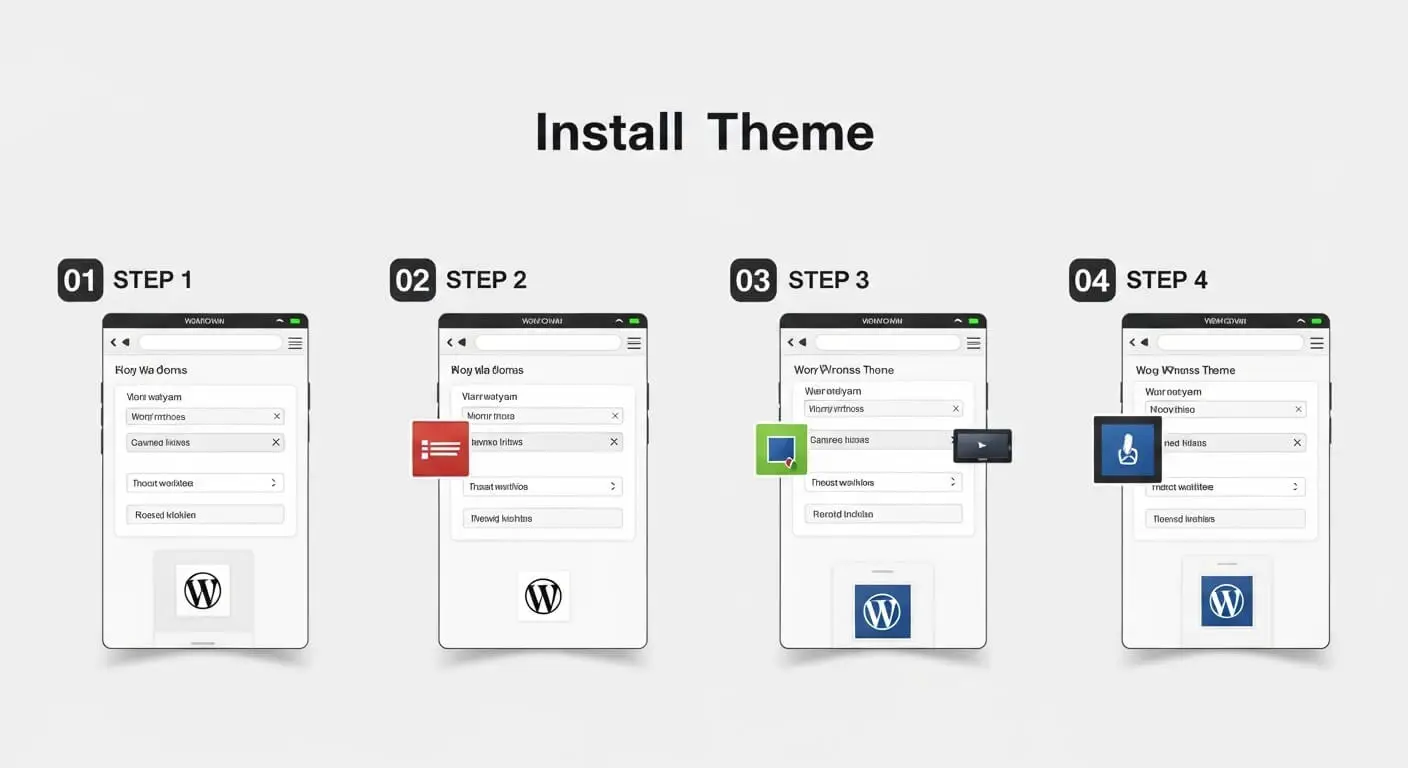
Once you have chosen a theme, set it up in this order. It prevents most of the problems we see on new stores.
- Choose and compare on a staging copy. Never experiment with themes directly on your live store while customers are shopping.
- Install and activate the theme. Use the official WordPress.org version or the file from the theme maker’s own website, never a random download site.
- Import a starter template if you want one. It gives you a working layout fast. Replace every piece of demo text and every demo photo with your own.
- Set up your shop pages. Configure the shop, product, cart, and checkout pages, then set your currency, delivery zones, and payment options inside WooCommerce.
- Place a complete order yourself. Do it once on a desktop and once on a phone, all the way through payment. Fix anything that feels confusing before real customers find it.
- Check your key pages with PageSpeed Insights. If a page feels heavy, shrink your product images first. Images are the most common cause of a slow store.
- Keep everything updated. Update the theme, WooCommerce, and your plugins regularly, and keep a backup so you can roll back if an update causes trouble.
Common Mistakes to Avoid
- Choosing by desktop looks alone. A beautiful demo on a big screen means little if checkout is painful on a phone, where most of your customers are.
- Picking the theme with the most built-in extras. Features you never use still add weight and settings you must maintain. Choose the theme that fits your store, not the longest feature list.
- Skipping the checkout walkthrough. Many owners design the homepage lovingly and never place an order on their own store. Broken or confusing checkout is invisible until a customer complains, and most never complain. They just leave.
- Patching a weak theme with plugins. If your theme lacks basic shop features and you keep adding a plugin for each one, the store becomes slow and fragile. It is better to switch to a theme with proper WooCommerce support.
- Never updating, or updating carelessly. Outdated themes are a security risk, but updating the live store without a backup is risky too. Update regularly, back up first.
- Trusting someone else’s speed numbers. Another store’s results, on another host with other content, say little about yours. Judge your own store, with your own products, on your own phone.
Frequently Asked Questions
What is the best free WordPress theme for eCommerce?
For most new stores, Blocksy offers the most shop features in its free version, including things like quick view and a floating cart that many themes charge for. Kadence is a close second and is easier for complete beginners, and Astra’s free version is also genuinely capable. The honest answer is that all three can run a real store. Try the free versions on a staging site and pick the one whose settings feel clearest to you.
Can I change my WordPress theme without losing products?
Yes. Your products, orders, and customer data live in WooCommerce and the WordPress database, not inside the theme. Changing themes does not delete them. What does change is the design: menus, widget areas, Customizer settings, and page layouts may need to be set again. That is why you should always switch on a staging copy first, check every page type carefully, and only then make the change on your live store.
Do I need a page builder with these themes?
No. All five themes work with the WordPress Customizer and the block editor, and you can build a complete store without any page builder. A builder like Elementor simply gives you more design freedom for pages like your homepage and landing pages. Astra is a popular partner for Elementor, and the other themes support it too. If you are starting out, skip the builder, learn your theme first, and add a builder later only if you feel limited.
Which theme is fastest for WooCommerce?
There is no honest universal answer, and you should be careful with anyone who gives you an exact figure. GeneratePress and Astra are both known for lightweight code, so they start with an advantage. But your real speed depends on your hosting, your image sizes, and how many plugins you run. A lean theme on poor hosting with huge photos will still feel slow. Install your shortlist on a staging copy with your real products, then check with PageSpeed Insights and your own phone.
Are premium themes worth the money?
Sometimes, and it depends entirely on what you need. Pay when a premium version offers a specific feature your store genuinely needs, or when direct support from the theme maker matters to you. Many stores run perfectly well on the free versions of Astra, Blocksy, or Kadence for a long time. Never upgrade because of promised sales claims. Upgrade because of a concrete missing feature, and check the theme maker’s own website for current pricing before you decide.
Can I use these themes for non-WooCommerce sites?
Yes, mostly. Astra, Blocksy, GeneratePress, and Kadence are general-purpose themes that work well for business websites, blogs, and service sites with or without a shop. WooCommerce support is an added strength, not a limit. Shoptimizer is the exception: it was designed specifically around WooCommerce stores, so it is a poor fit for a plain blog or business site. If there is any chance your site will stay shop-free, choose one of the other four.
How often should I update my theme?
Update promptly whenever a new version appears, especially after WooCommerce itself updates, because themes adjust to stay compatible. Always take a backup first, and check your shop and checkout pages after updating. This routine is simple but easy to forget when you are busy selling. If you would rather not watch for updates yourself, our WordPress maintenance plans include updates, backups, and regular site checks handled for you.
What if I need help setting up my theme?
You have a few honest options: work through the theme maker’s documentation, ask in its support forum, or hire someone to set the store up properly from the start. Raozan IT builds WooCommerce stores for clients, including theme setup, product and checkout configuration, and payment and delivery settings. If you would like that kind of help, see our web design services for what a proper store setup includes.
Will these themes work with my existing plugins?
Generally, yes. All five themes follow WordPress coding standards and work with popular plugins for payments, shipping, SEO, and security. Conflicts can still happen, usually with heavily customised or outdated plugins. The safe routine is to switch themes on a staging copy, keep every plugin updated, and check your product pages, cart, and checkout carefully before going live. If something breaks, deactivate plugins one by one to find the clash, or ask the theme’s support team.
Choosing a theme is one decision. Running a store well is a hundred small ones, and we are happy to help with them. Raozan IT is an eight-member team based in Noapara, Raozan, Chattogram, Bangladesh, building websites since 2017, with more than 800 projects completed and websites built for over 400 web design clients. You can browse our services, Chat on WhatsApp, reach us through our contact page, or email us at [email protected]. Tell us about your store, and we will give you a straight answer about what it needs.