
When someone in Dhaka opens Google Maps to find a pharmacy, or a visitor in Chattogram searches for a nearby restaurant, Google shows a short list of local businesses: hours, phone numbers, photos, reviews. They are not always the biggest businesses, very often, they are simply the ones with a complete and accurate Google Business Profile.
This guide walks through the whole process, step by step: creating or claiming your profile, verification in Bangladesh, filling every section properly, and keeping the profile useful afterwards. It is written for shop owners, service providers and online sellers, no technical background needed.
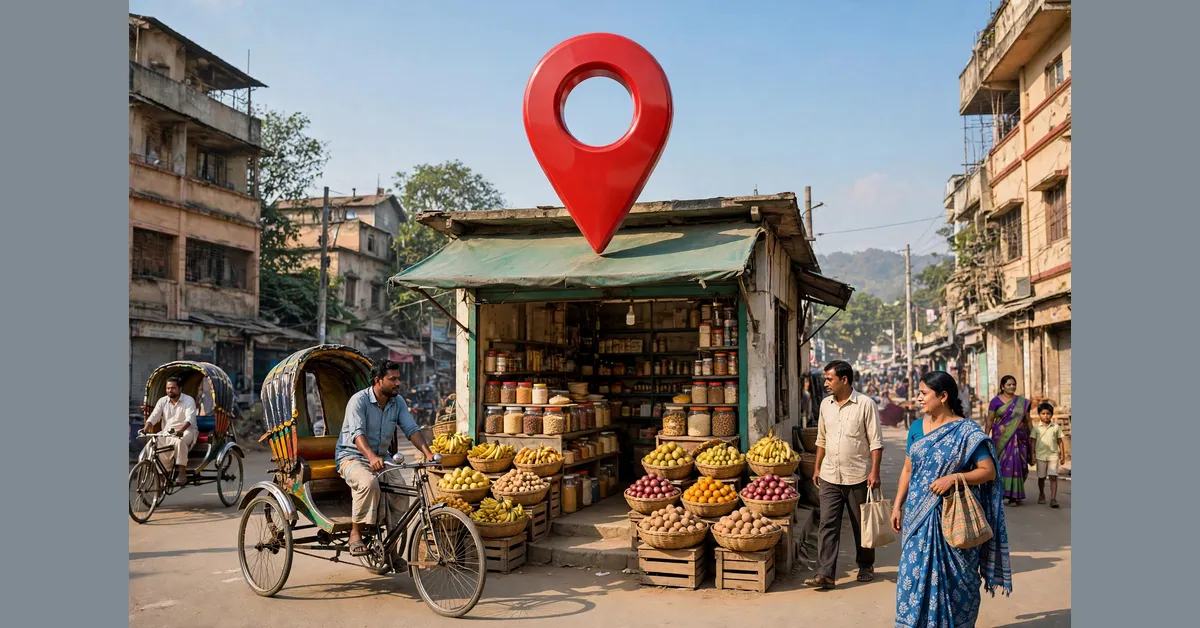
Why Google Business Profile Matters for Businesses in Bangladesh
For many local businesses, the profile is the first thing a customer sees, before your website or Facebook page. When someone searches for a service nearby, your profile shows your name, hours, phone number, directions and reviews in one place. One tap is enough to call you or start navigating to your shop.
Think of a pharmacy in Sylhet. A customer searching late in the evening wants to know which pharmacy is open, where it is, and whether other customers trust it, a complete profile answers all three at once. An incomplete profile, or none at all, quietly sends that customer to a competitor.
The profile is free. What it costs is time: an hour or two to set it up carefully, and a few minutes occasionally to keep it accurate. It is one part of your wider online presence, alongside your website and social media pages, our overview of the types of digital marketing explains how the pieces fit together.
What Is a Google Business Profile?
A Google Business Profile is a free listing from Google. It controls how your business appears in Google Search and Google Maps when people look for you, or for what you sell.
Your profile can show your name, category, address or service areas, hours, phone number, website link, photos, and reviews. You manage it from business.google.com, or through Google Search and the Maps app while signed in.
A profile is not the same as a website. A website is your own space, where you control everything; a profile is a listing inside Google’s services. You need both: the profile helps nearby customers find you, and the website gives them the full picture.
Before You Start: What You Need
Gather these first, and setup will go much more smoothly:
- A Google account that your business controls, not an employee’s personal account, so you never lose access if someone leaves.
- Your real business name: the name on your signboard and your trade licence.
- Your exact address if customers visit you, or a list of the cities and districts you serve if they do not.
- A phone number that customers can actually reach you on.
- Your opening hours, including any weekly holiday.
- A few real photos of your shop, office or work.
- A little patience for the verification step, explained below.
Step by Step: Create or Claim Your Profile
Step 1: Search for Your Business First
Before creating anything, search for your business name on Google Maps. If it already appears, open the listing and look for “Own this business?” Claiming the existing listing always beats creating a new one, two listings for the same business confuse Google and customers alike.
If it does not appear, add it: go to business.google.com, sign in, and choose to add your business, or use “Add your business” in Google Maps. Both lead to the same setup form.
Step 2: Add Your Business and Basic Information
Enter your business name exactly as it appears in the real world: the name on your signboard, receipts and trade licence. Do not add extra words, such as your city, your products, or phrases like “best” or “cheap”: “City Pharmacy” is fine if that is your real name, but “City Pharmacy: Best Medicine Shop in Sylhet” breaks Google’s guidelines, and Google can suspend your profile for it. Keep the name honest from day one.
Next, add your address if customers visit you, road, area, city and postal code, written as a delivery rider would need it. Check the pin position on the map, small mistakes here can put your shop in the wrong place.
Step 3: Choose the Right Categories
Your category tells Google what your business is, and it strongly affects which searches you appear in. Choose a primary category that describes your main activity as specifically as Google allows: a restaurant in Chattogram might use “Restaurant” (or “Biryani restaurant” if that is genuinely the main offer); a boutique in Dhaka, “Clothing store” or “Women’s clothing store”.
You can then add further categories for other real services you provide, the restaurant might also offer catering, for example. Only add categories for things you actually do: wrong categories bring wrong visitors, not customers, and make your listing less trustworthy.
Step 4: Address or Service Area: Which Should You Show?
If customers come to you, a shop, restaurant, clinic or office, show your full address and check the map pin is correct.
If customers never visit you, hide the address. This applies to online sellers, home-based businesses, and services that go to the customer, such as cleaning or catering. Take a home-based caterer in Dhaka who sells through Facebook and delivers across the city: showing her home address makes no sense, so she hides it and adds service areas, the districts she delivers to. Google still shows her profile to people searching in those areas, and her address stays private.
Never invent an address or list a location where you do not actually operate. Fake addresses break Google’s rules and are a common reason for suspension.
Step 5: Verify Your Business (What to Expect in Bangladesh)
Verification is how Google confirms your business is real and that you are the right person to manage its profile. Your profile will not be fully visible until this step is complete, so do not leave it half done.
Google decides which method you are offered. For many businesses in Bangladesh, the common one is video verification: you record one continuous video, following Google’s on-screen instructions, showing your location and signage, the surrounding street, and proof the business operates there: stock, equipment, or documents such as your trade licence. Some businesses are instead offered a postcard with a code, posted to the business address. A few may be offered a phone call or email instead.
Be patient with this stage: verification can take several days, sometimes longer. Do not change your name, category or address while it is pending, because edits can restart the process. If Google asks for more proof, provide it honestly rather than starting again with a new listing. And beware of anyone offering to “verify your profile instantly” for a fee. There is no shortcut.
Complete Every Section of Your Profile
A half-finished profile looks abandoned, and customers treat it that way. Work through each section below before you consider the setup done.
Business Hours
Add your regular hours, including your weekly closing day, and set special hours for Eid and other public holidays. Few things lose a customer faster than travelling to a shop Google said was open, only to find the shutter down.
Phone Number
Add the number customers should call first, answered during business hours by someone who can help, and update it the moment it changes.
Website Link
Link your profile to your own website if you have one. Customers who want more detail will tap through, and a proper website builds confidence in a way a listing alone cannot. If your profile points only to a Facebook page, treat a simple website as your next step, it is the one online asset you fully own. Our web design services page explains what a small business website should include.
Services and Products
List your main services or product types, each with a short, clear description of what the customer gets, not advertising slogans. For the pharmacy: prescription medicine, baby care, home delivery within the area. For the caterer: office lunch packages and event catering. This helps Google match your profile to specific searches, and lets customers confirm you offer what they need before calling.
Business Description
The description summarises your business: what you do, where, who you serve, and how long you have been doing it. Write it as you would introduce your business in person, and include one honest detail that sets it apart, such as being family-run or open seven days a week. Keep it factual, no keyword stuffing, and no claims you cannot stand behind.
Attributes
Attributes are small factual labels: women-led business, delivery available, facilities on site. Tick only the ones genuinely true for you; they help customers with specific needs find you.
Opening Date
Add the date your business opened, so people can see how long you have served your area.
Photos: What to Add and What to Avoid
Photos prove your business is real. A customer comparing two listings leans towards the one showing the actual shop, products and people.
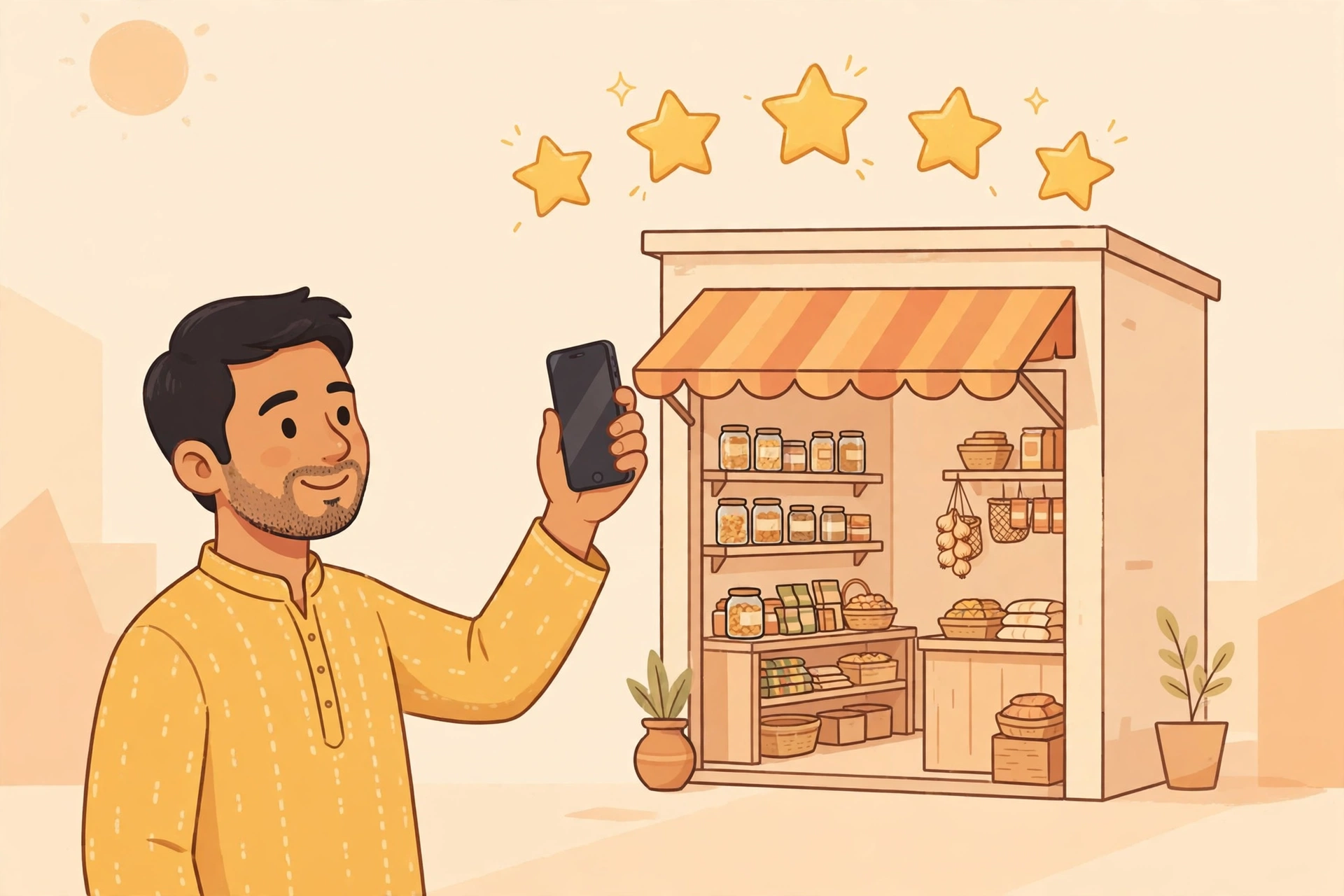
Add these, as a minimum:
- The outside of your business, including your signboard, as a customer approaching would see it.
- The inside: your shelves, seating, workspace or service area, clean and as it normally looks.
- Your team at work: real people doing the real job builds trust faster than any caption.
- Your products or finished work: dishes for the restaurant, garments for the boutique, stock for the pharmacy.
- Your logo and a cover photo, so the profile looks finished and clearly yours.
Just as important is what to avoid. Do not use stock photos from the internet, they misrepresent your business, customers spot them quickly, and they can make the whole listing look fake. Avoid heavy filters and dark, blurry shots. And keep adding new photos, too, a recent shot of new stock signals an active business.
Reviews: How to Earn Them Honestly and Reply Well
Reviews are the part of your profile you cannot write yourself, which is exactly why customers believe them. A steady flow of genuine reviews, answered politely, is a strong trust signal for any local business.
Start with what you must never do. Never buy reviews, never write fake ones, and never ask friends or staff to pose as customers. Never offer a gift or discount in exchange for a review. All of this breaks Google’s policies, and can get the entire profile taken down. Fake reviews also read as fake.
The honest way is slower but safe. Serve the customer well, then ask politely at the right moment, after a successful delivery, or when a customer says they are happy. Make it easy: share the review link from your profile by message, print it on your packaging, or keep it at the counter. Many happy customers never review simply because nobody asked.
Reply to every review. For positive ones, a short thank-you mentioning what they bought feels human. For negative ones, slow down: reply calmly and briefly, acknowledge the problem, apologise where that is fair, and invite the customer to contact you by phone so you can sort it out. Do not argue in public or paste the same reply everywhere. Other customers are judging how you behave when something goes wrong, a calm reply often does you more good than the bad review does harm.
Keep Your Profile Alive: Posts, Questions and Updates
A profile is not a one-time task. Use Google’s tools to keep it current, and it will look like what it is: a living business.
Posts. Publish short updates: new stock, a seasonal menu, an offer, an event, changed holiday hours, with a real photo, and remove them when out of date.
Questions and answers. Anyone can ask a question on your profile, and anyone, including you, can answer. Answer them yourself, clearly, so wrong answers from strangers do not stand. You can also add the questions customers ask most, with your own answers: delivery areas, opening hours, whether you take orders by phone. It saves customers a step, and you repeated calls.
Updates. Whenever something real changes, hours, phone number, a move, update the profile the same week, along with your website and Facebook page. Check the performance view from time to time, too: calls, direction requests and searches show whether the profile is doing its job.
One Name, One Address, One Phone Number, Everywhere
Marketers call this “NAP consistency”: your Name, Address and Phone number written exactly the same way everywhere your business appears online: profile, website, Facebook page, and any other listing.
It sounds like a small detail, but it matters. Google builds confidence in your business by seeing the same information repeated across the web. If your profile, website footer and Facebook page each show something different, say, a number you stopped using two years ago, Google and your customers both get a muddled picture, and calling a dead number is a fast way to lose trust you had already earned.
Here is how we handle it at Raozan IT. Our name is written as Raozan IT everywhere. Our address is Noapara, Raozan, Chattogram 4346, Bangladesh, the same wording on our website footer, contact page and profile. Our phone number, +8801735127127, is identical in every place: one version of each fact, updated everywhere at once when anything changes. Even your city’s spelling matters: pick one form, for us, “Chattogram”, and do not let “Chittagong” and “Chattogram” take turns across listings.
Common Google Business Profile Mistakes
Most profile problems we see come from the same short list of avoidable mistakes:
- A keyword-stuffed business name. Adding services, locations or claims to your name to appear in more searches breaks Google’s guidelines and risks suspension.
- A fake or borrowed address. Listing an address where you do not operate, or a mailbox-style address instead of a real location. If customers do not visit you, hide the address and use service areas.
- Duplicate listings. Creating a second profile because the first was slow to verify. Two listings split your reviews and confuse customers. Claim the original instead.
- The wrong main category. A vague category that does not match what you mainly do sends you the wrong searches and hides you from the right ones.
- Forgotten hours. Hours never updated, and no special hours set for Eid and other public holidays, so customers arrive at a closed shop.
- Bought or fake reviews. A shortcut that risks the whole profile, and one customers can usually smell.
- Losing the keys. Setting it up under an employee’s personal account, then losing access when they leave. Keep it under a business-controlled account, with the login details stored safely.
- Set and forget. Treating setup as the finish line: no new photos, questions unanswered, an old number still listed.
How Your Profile and Your Website Work Together
Your profile and your website do different jobs, and they do them best together. The profile appears in Maps and local results: it gets you discovered by nearby customers and gives them the essentials in seconds: hours, directions, a call button, reviews. Your website is where they go next, to see your full services and your story, in a space you control completely.
Each strengthens the other. Your profile sends ready-to-contact visitors to your website. Your website, same name, address and phone number, with clear pages for each service, confirms to Google that the business behind the profile is real. That is the heart of local SEO: accurate information everywhere, honest service pages, and a profile that stays current.
Be clear about what this can and cannot do. A complete, accurate profile and a solid website give your business a fair chance to appear when nearby customers search. Nobody honest can promise you the first position. Google decides the order, based on distance, relevance and how well-known the business is. What you control is being complete, accurate and active, and that is genuinely most of the battle. If you would rather have a team handle the website and local search side, our SEO services cover exactly this work.
Frequently Asked Questions
Is a Google Business Profile free?
Yes: creating, claiming and managing a profile costs nothing. Your only investment is time. Be cautious of anyone asking you to pay simply for the profile itself, rather than for genuine help with setup or your website.
How long does verification take?
It varies, and nobody can honestly give you a fixed timeline. Google’s checks can take several days, sometimes longer, a postcard, where offered, also has to travel to your address, and Google may ask for additional proof. While you wait, avoid changing your name, category or address, as edits can delay or restart the process.
Can I run a profile if customers never visit my location?
Yes. Google allows service-area businesses, those that visit or deliver to customers rather than receiving them. Hide your street address and list the areas you serve. Online sellers, home-based services and tradespeople all use their profiles this way.
What if my business already appears on Google Maps but I did not create it?
This is common: listings are also created from public data and suggestions by Google users, so your business may be on Maps before you ever touch it. Do not create a second listing. Open the existing one, choose “Own this business?”, and complete the claim and verification process. Once verified, you control the information, photos and review replies.
Can I add my business if I only sell on Facebook?
Yes, if yours is a real business operating from a real location, for example, a home-based caterer in Dhaka taking orders through a Facebook page and delivering across the city. Create the profile with your real details, hide the address if customers never come to you, and set your delivery areas. A simple website will help you further later, but it is not required to have a profile.
What should I do if my profile is suspended?
First, do not create a new profile. A duplicate usually makes things worse. Check it against Google’s guidelines: the usual causes are a name with added keywords, a problem address, or details that do not match your documents. Correct what is wrong, gather proof of the business: a trade licence, a utility bill in the business name, photos of your storefront and signage, and submit Google’s reinstatement (appeal) form with that evidence. Then wait for the decision; there is no legitimate way to speed it up.
A Google Business Profile is one of the few genuinely free tools that can change how many customers find a local business. It asks for no technical skill, only care: your real name, your real address or service areas, honest photos, accurate hours, and the discipline to keep them updated and answer your reviews.
Raozan IT is an eight-member team based in Noapara, Raozan, Chattogram, Bangladesh, building websites and helping businesses grow online since 2017, with 800+ projects completed, including websites for 400+ web design clients. If you would like help setting up your profile, improving your website, or working on local SEO, explore our services to see everything we do.
Questions about your business? Chat on WhatsApp, send us a message through our contact page, or email us at [email protected]: tell us what you sell, and we will point you in the right direction.